 Dextools
 combines DEX analytics with swaps
Dextools brings decentralized exchange (DEX) charts, pair analysis, and integrated token swaps into one trading interface. Its explorers organize pool and transaction data, while MultiSwap connects supported exchanges and the aggregator enables trading through a connected wallet. Free access covers core tools; DEXT holdings or a subscription unlock additional features.
UpdatedThe short version: A pool chart describes trading history, while a swap quote reflects the requested amount and available liquidity.
Pool selection shapes the chart and trade data
Selecting a pool in Pair Explorer sets the context for its price chart, swap history, and liquidity figures. A trading pair links two assets; its pool supplies the liquidity supporting exchanges between them. The same token can trade through several pools, so a chart describes a particular market. The selected network, token contract, and pair identify which activity the interface displays. Price movements become easier to interpret when volume and available liquidity remain beside the chart. Contract identity matters because unrelated tokens can share a name or ticker.
Searching by contract address reduces that ambiguity within the selected chain. Pool liquidity puts the price history in context: a thin pool can move sharply after relatively modest trading. High activity and deep liquidity describe different properties, even when both appear on the same screen.
Explorers separate discovery from trade analysis
Live New Pairs focuses on discovering recently created trading pairs, while Big Swap Explorer highlights large transactions. Neither alone establishes why a token gained attention or what its price will do next.
MultiChart displays multiple charts together for comparisons across trading pairs or timeframes. Pair Explorer gives more concentrated detail on the selected pool. Chart intervals summarize trades over different periods, so a short burst and a sustained trend need different context. Transaction history supplies the underlying trades when a chart movement needs closer explanation. A prominent purchase can affect price without revealing the buyer's motive or future plans.
Hot Pairs highlights trending trading pairs for closer analysis in Pair Explorer.
MultiSwap and the aggregator connect different trading routes
MultiSwap brings connections to Uniswap, SushiSwap, PancakeSwap, and other supported exchanges into one window, allowing users to initiate multiple trades simultaneously. That arrangement supports working across available pairs and networks, with each exchange connection retaining its market's requirements.
The KyberSwap integration enables swaps through a connected wallet, and its aggregator evaluates available liquidity routes for the requested trade. Routing considers the tokens and amount, together with liquidity and execution costs.
Charts describe past trading activity, while a swap quote estimates the output for the chosen input amount and available route.
Trade size relative to liquidity affects price impact, the price change the trade itself creates. Slippage describes changes between the expected and executed trade price. These effects explain why a chart's displayed price does not necessarily determine the final token output. The selected route and applicable trade settings govern execution, and market conditions can change before confirmation.
Connecting a wallet establishes a connection to the trading interface; token authorization and swap confirmation have different meanings, even when an interface groups related prompts. A quote is an estimate; a successfully executed on-chain transaction records the actual swap. Network gas, pool charges, and any applicable aggregator fees differ from application subscriptions, and the active network and route determine execution costs.
Positions and wallet history provide different views
My Positions gives free users a view of positions and profit or loss, while Wallet Info concerns wallet activity. Standard adds more trade analytics, wallet information, and position tracking. These features complement the explorers by connecting activity to holdings or a wallet history.
Trade Analytics includes buy and sell activity, average price, and swap dates. Those details matter when entry history changes the interpretation of a displayed gain or loss. Wallet Info allows examination of visible blockchain transactions; an address identifies recorded activity without establishing a verified personal identity. Following its trades does not disclose every reason behind a transfer or every asset its owner controls.
My Positions appeared among Standard benefits in July 2023, and the January 2024 plan update extended it to free users.
Favorites and price alerts support ongoing monitoring
Favorites keep selected pairs available for repeated monitoring, and price alerts reduce the need to watch every chart continuously. Free access includes favorites, desktop alerts, and Telegram price bots; Standard adds Telegram and email price alerts. A configured price alert reports a threshold event for the selected pair; it does not explain the cause of that movement.
Desktop and mobile access offer different screen layouts
Desktop browsers, tablets, and Android and iOS apps provide several ways to access the tools, and mobile widgets display favorite assets from the home screen. Device choice changes how much information fits comfortably in view. A desktop layout can place several charts beside supporting data, while a phone offers access away from the larger screen.
The redesign announced on 7 October 2025 introduced Default and Custom modes in Pair Explorer; Custom mode supports hiding, moving, and resizing sections. Normal and Compact table modes change information density, and panels can open or close independently. The announcement also retained a choice between the older and redesigned layouts.
These controls affect presentation without changing the identity of a token or pool; hiding a liquidity panel does not remove liquidity constraints from a trade. Different screenshots can reflect layout choices without showing different products or different underlying markets.
Free, Standard, and Premium access have distinct conditions
The Free plan covers core exploration and trading tools, including the aggregator, MultiSwap, and charts. Standard and Premium add benefits under different access conditions. Standard offers a DEXT holding route and a monthly subscription paid in DEXT. Premium uses a larger holding threshold. The advertised options distinguish application access from benefits reserved for holders. The listed Hot Pairs allowance is 10 for Free, 12 for Standard, and 15 for Premium.
| Access option | Entry requirement | Tool access | Benefits reserved for holders |
|---|---|---|---|
| Free | No DEXT required | Core explorers, charts, and swap tools | Private groups require qualifying holdings |
| Standard holding route | Hold 1,000 DEXT | Free tools plus Standard analytics and no advertisements | DEXT Force private group |
| Standard subscription | Monthly payment in DEXT | Standard application features | Private group access still requires qualifying holdings |
| Premium holding route | Hold 100,000 DEXT | Standard features plus Premium benefits | DEXT Force private group and DEXT Force Ventures |
| The plan determines application features; qualifying holdings determine benefits reserved for holders. | |||
Standard qualification
Holding DEXT
The advertised Standard holding requirement is 1,000 DEXT. This route ties access to a qualifying wallet balance. The threshold is a token quantity, so its monetary value changes with the token's market price.
Monthly subscription
A subscription pays for Standard access without using the holding route. Payment does not create the balance required for benefits reserved for holders. The amount due and billing conditions belong to the active subscription offer.
Premium access
The advertised Premium holding threshold is 100,000 DEXT. Premium includes Standard benefits and adds DEXT Force Ventures and further information access. DEXT Force Ventures concerns early-stage project participation, a different activity from viewing charts or executing a swap.
DEXT is the utility token behind feature access
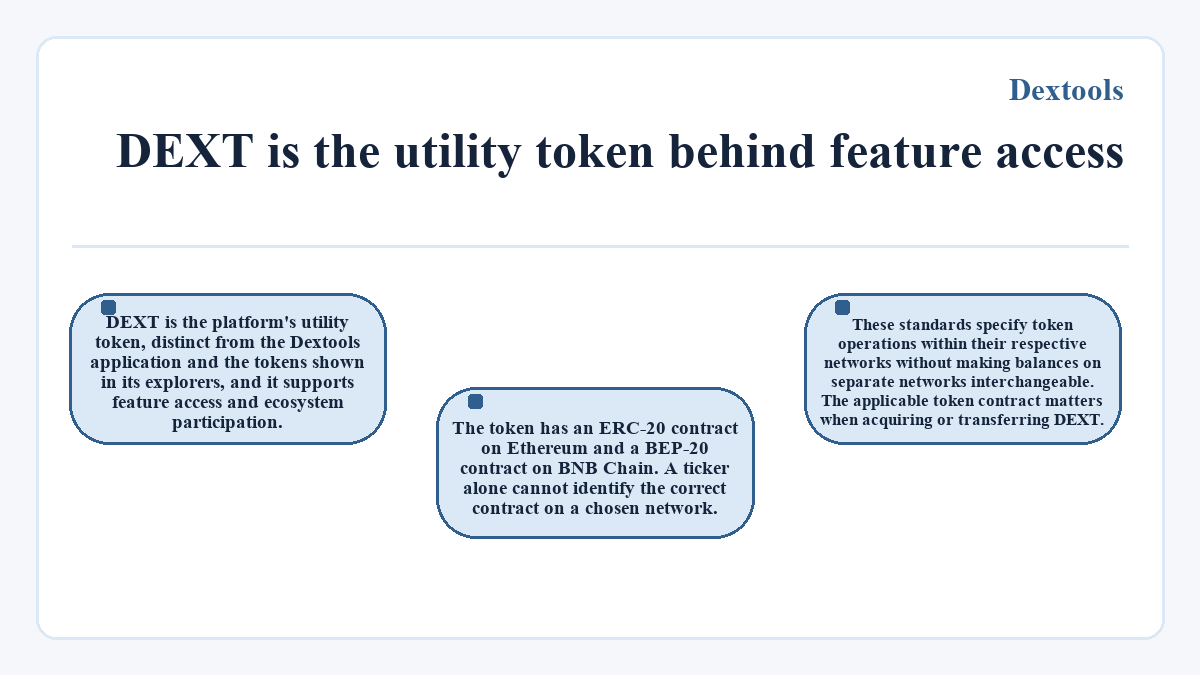
DEXT is the platform's utility token, distinct from the Dextools application and the tokens shown in its explorers, and it supports feature access and ecosystem participation. The token has an ERC-20 contract on Ethereum and a BEP-20 contract on BNB Chain. A ticker alone cannot identify the correct contract on a chosen network. These standards specify token operations within their respective networks without making balances on separate networks interchangeable. The applicable token contract matters when acquiring or transferring DEXT.
The Academy connects trading terminology with market mechanisms
The Academy adds educational articles and a crypto glossary to the trading application, covering platform features alongside broader decentralized finance concepts. That material serves a different purpose from a live chart: it explains terminology and mechanisms. A glossary definition can clarify trading pairs, while the app supplies data for the selected market.
Definitions also clarify what a metric measures. Trading volume describes activity over a period; liquidity concerns the resources available for exchanging assets. An automated market maker uses rules encoded in a smart contract to price exchanges through liquidity pools. The glossary covers this mechanism under Automated Market Maker (AMM).
What to know about Dextools
Can a token appear in Dextools before its team applies for a listing?
Token pairs can appear automatically when liquidity exists on a supported decentralized exchange and trading begins. The app draws market data from the blockchain, so visibility does not require a conventional token-listing application. Updating a project's logo or social details serves a separate purpose from including its trading activity.
Who can vote in the community trust score?
Connected wallets holding at least 1,000 DEXT can vote in the community trust score, so a paid subscription without qualifying holdings does not establish voting eligibility.
How can a project update its token logo and social information?
Project information updates use the marketplace, where teams submit changes to a token's profile. The update process supports logos, banners, and social information, and includes order management. Community takeover updates require manual approval, so their processing differs from routine new-token updates. Updating profile information does not change the token's contract or its pool liquidity.
Is the Trading Simulator free without holding DEXT?
The Trading Simulator provides free practice without a DEXT holding requirement or a subscription payment. It uses market information to simulate trades and maintain a virtual trade history. Simulated profit or loss belongs to that practice environment; it does not represent gains or losses from completed swaps in a real wallet.
Does a high DEXTscore guarantee a token is safe to trade?
A high DEXTscore does not guarantee a token is safe to trade. The rating combines indicators such as liquidity, holder information, contract details, and audit information. A strong overall number can coexist with a weak component, including an unfavorable audit result. Contract restrictions and pool liquidity remain relevant when interpreting the score.